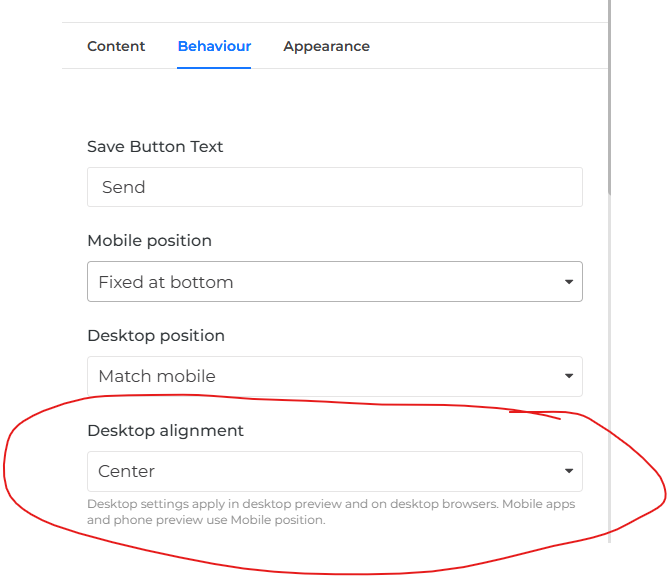
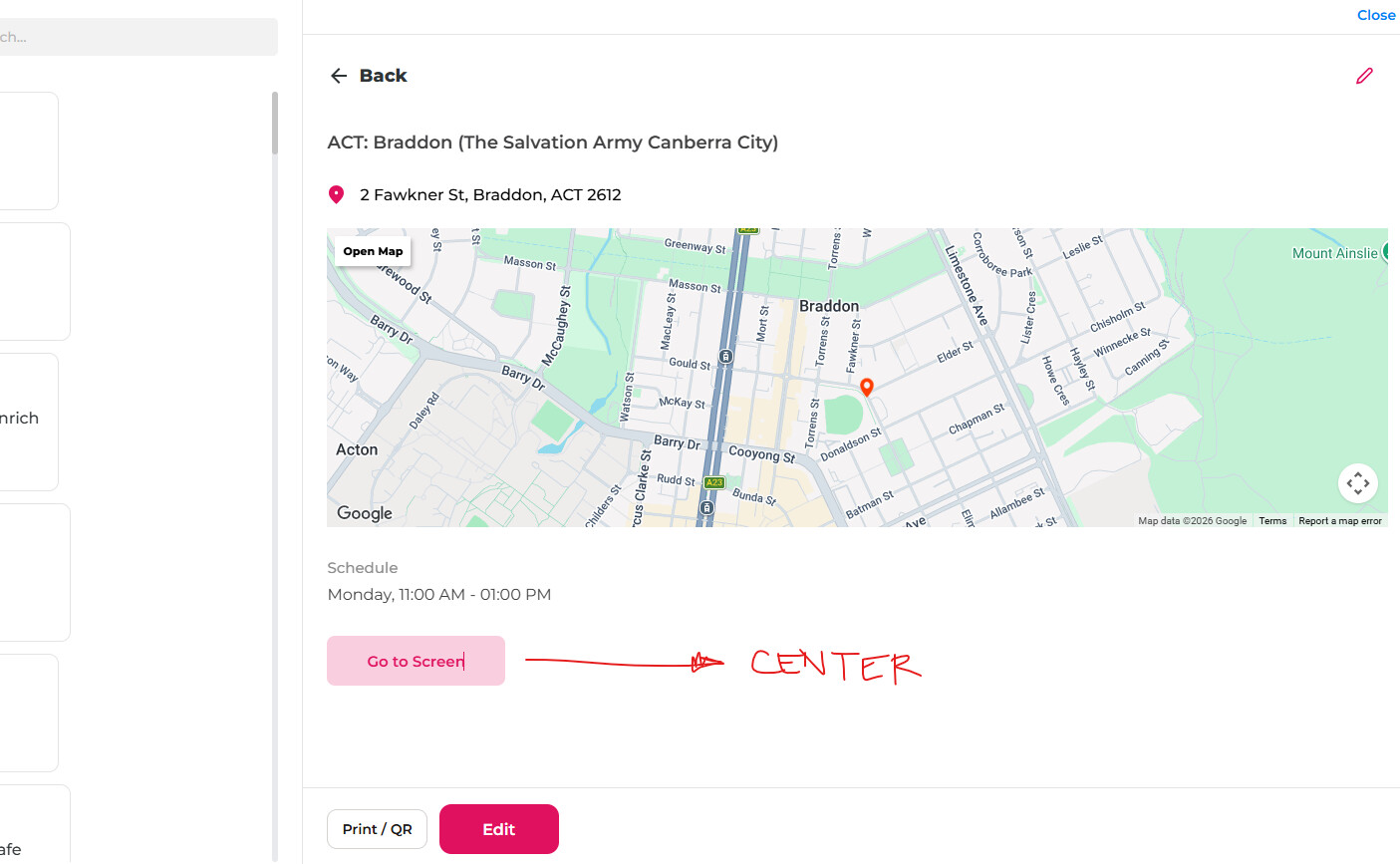
Hello fellow NA’s users…
Did you able to find a way to center align a components?
Sample to center align the button?
If no solutions for this yet, can I make this as a request feature later on @jatin_notionapps 
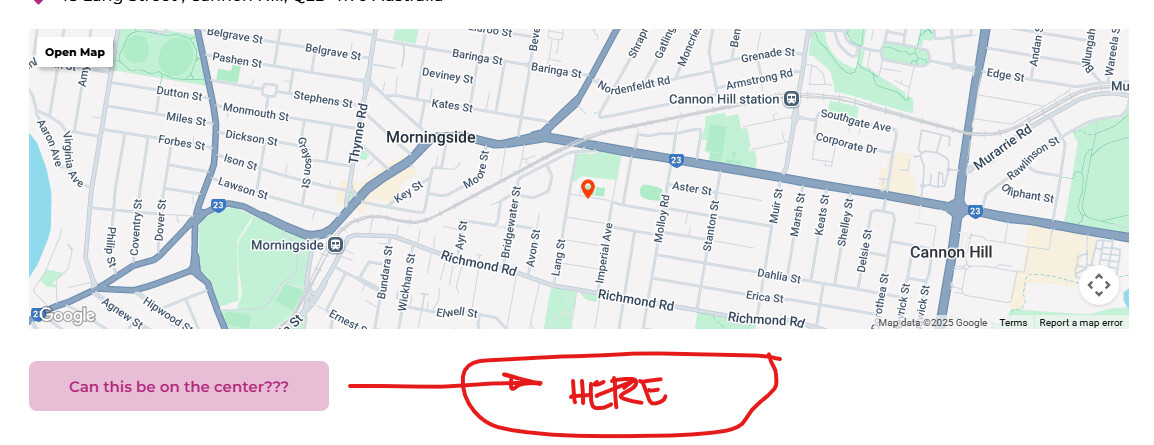
Thank you.
Hello fellow NA’s users…
Did you able to find a way to center align a components?
Sample to center align the button?
If no solutions for this yet, can I make this as a request feature later on @jatin_notionapps
Thank you.
Anyone already enable this by using the new CSS features?
I have tried, but haven’t able to do it. Idk what’s wrong in my CSS. 
Please try this:
[data-notionapps-end-user-root=“true”] #end-user-app-container {
display: flex !important;
justify-content: center !important;
align-items: center !important;
width: 100% !important;
}
f that centers too much (nav + everything), narrow it — the guide warns against broad layout rules. Example for form content only:
[data-notionapps-end-user-root=“true”] form {
display: flex !important;
flex-direction: column !important;
align-items: center !important;
width: 100% !important;
}
Also, please refer to docs.notionapps.com
Already tried and experimenting using containers and Yes it centers everything… 
I’ll just wait for the alignments on button components. Thanks.
Both the renaming and alignment of the save button has been release; release notes to follow.
Thank you @linzie_notionapps and the team.
The edit button was already incorporated but I don’t see the alignment options yet in the “Button Components”.
I see alignment options in the “Form Buttons” or after clicking the button that will go to the “Edit Screens”
Also, thanks for this new update - will be seen on the right side of screen instead of opening new window. However if possible can we choose/select on which data will be shown in the Print/QR options and also an options to enable/disable this? Also can we have an option to change the “Edit” word button same as the components?