Hello
I have a problem with dates/times : dates that are after next DST change are not displayed correctly (I’m in France, dd/mm/yyyy format)
in Notion : date 08/04/2025 10:00 → 20:00
in NotionApps : 08/04/2025 08:00 → 18:00
thanks for your help Jatin
Hello Sylvain. I assume this is a formula. Unfortunately, Notion sends us the wrong dates when as part of the formulas. We are in touch with Notion’s team to fix this. I would suggest creating a temporary formula to display the adjusted result on NotionApps.
I think it’s inconvenient but our hands are tied.
Yes it’s a formula 
but only for formatting purposes.
because the date display in NotionApps when there is a start and end time is
“22 May 2025 12:00 AM → 22 May 2025 11:5…” which is
- in english and not in the app language
- too long for displaying in titles or in lists
- not in 24-hour format
if there was a formatting option I could keep with a native date field instead of a formula
I would love DD/MM/YYYY hh:mm → hh:mm (same day)
or DD/MM/YYYY hh:mm → DD/MM/YYYY hh:mm (other day)
Hi Sylvain. We added a fix last month and the dates should show up in your locale.
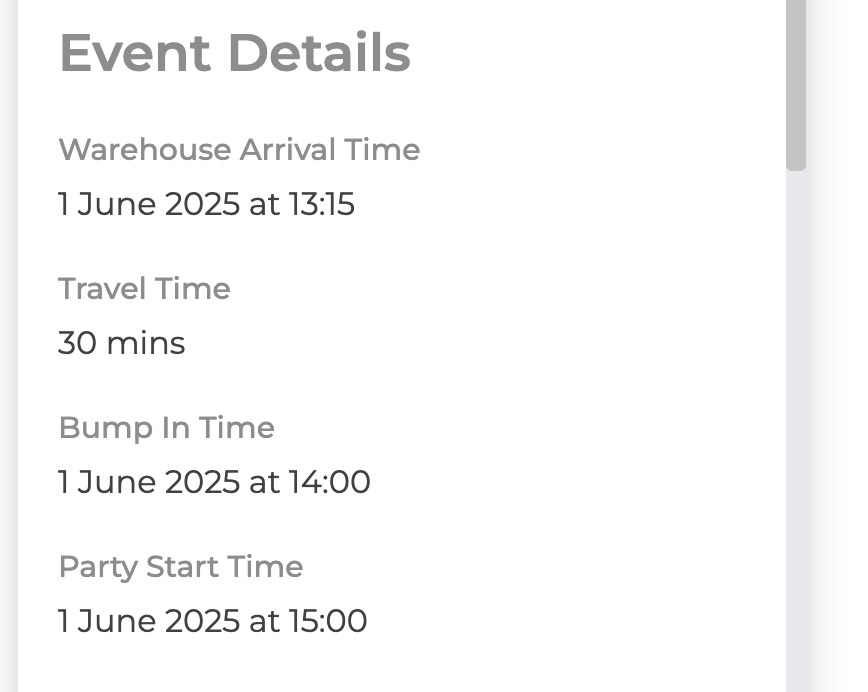
Hey Jatin, hope i’m on the right thread here…
Is there a possibility to change this formatting so it reads:
3pm instead of 15:00?
Thank you!
Stef
1 Like
Hello. You can change the date format by creating a new formula property and using change the format in this new property. Then, you can use this formula property in the interface.
For native Date datetime fields, NotionApps now prefers Notion IANA time_zone when present (safer DST write-back). Formula/formatDate cases remain a Notion API limit — see the related formula timezone thread.