Hi Peggy - Welcome to the NotionApps Family!!!
Thanks for the careful read — you’re right that the Content page docs mention linking to List and Details screens without explaining the URL shape.
Here’s what works today:
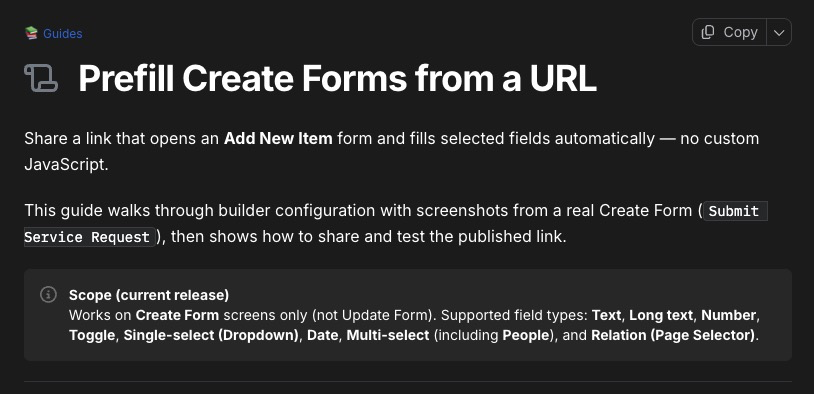
1. Create Forms (intake / add item)
Use either:
”https ://your-app.notionapps.com/?form=”
- or a slug path from the form’s screen name, e.g.
https://your-app.notionapps.com/submit-request
If guests should open it signed out, turn on Public access on that Create Form.
2. List, Details, and other non-form screens
Use:
”https ://your-app.notionapps.com/?screenId=”
Same-app links with that query are opened inside the app shell. For guests, the destination screen also needs Public access.
3. Finding <screenId>
In the builder, select the target screen and copy its screen id from the screen/config URL (the long hex id for that screen).
Limitation to know: a Content page → Details link opens the Details screen, not a specific Notion row. Deep-linking to one record from Content HTML isn’t supported yet.
We’ll update the Content page docs with these patterns so makers aren’t guessing. No need for a separate feature request for List/Details ?screenId= links — that path is already live; it was a documentation gap. If you’d like a richer “pick a screen” link control in the editor (instead of pasting ids), we’re happy to track that as an enhancement.
If you share the app URL and which List/Details screen you’re targeting, we can sanity-check a sample link with you.
Best regards,
NotionApps Support